Scary Sprankie Beats1.7.0
Publisher Description
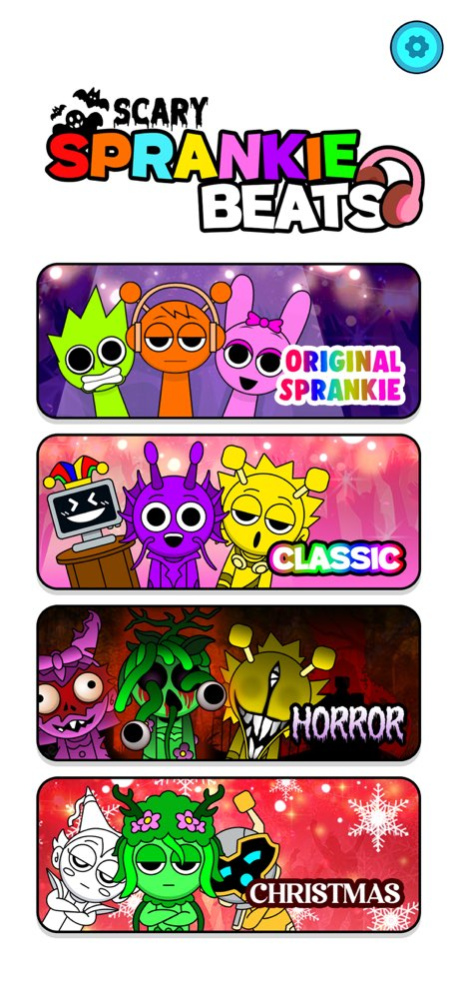
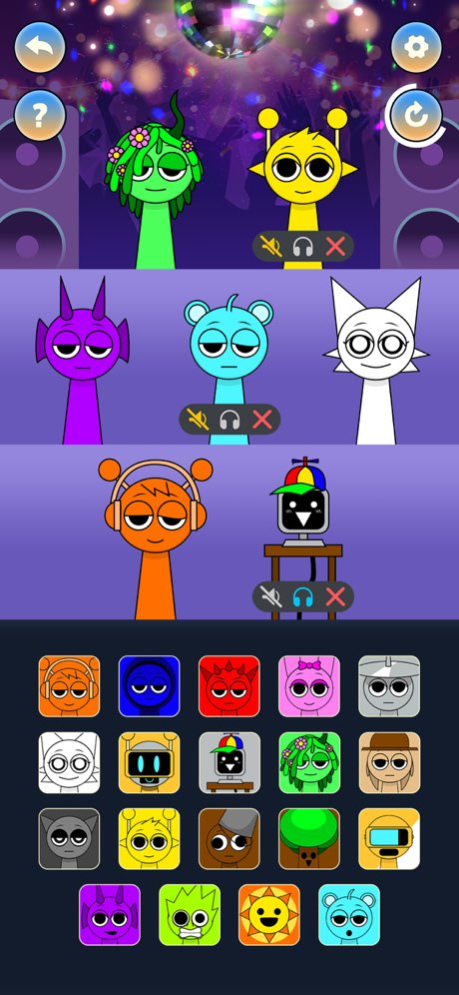
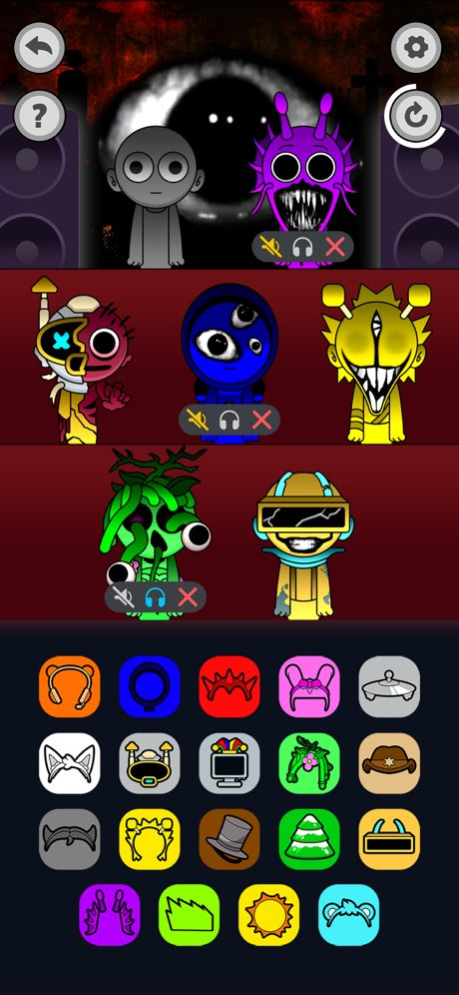
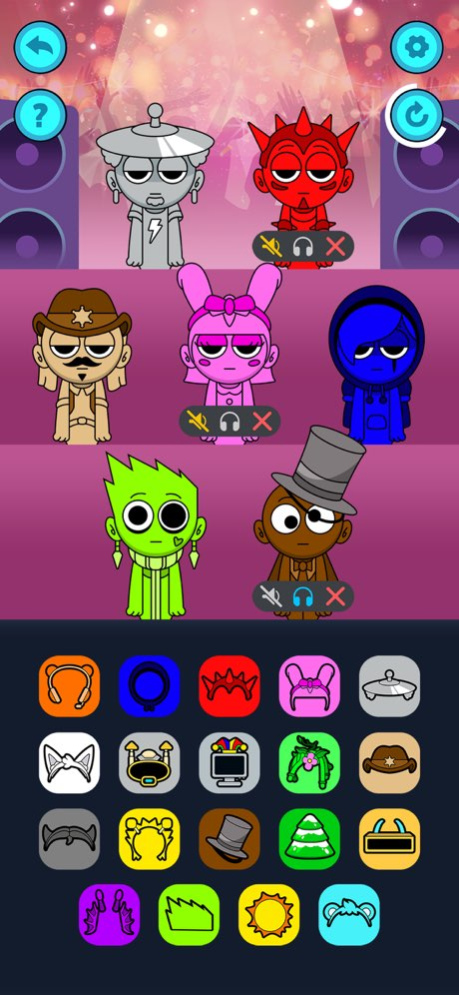
Get ready for a mix of music and horrify fun battles in Scary Music Beats! Unlike any other rhythm games , Scary Music Beats combines unique scary sound effect with horrify musical combat. Create your own tracks, face horrifying challenges, and enjoy a world full of stickman stunts.
Key Features:
- Make Music: Drag and drop sounds to create your own ultimate music tracks.
- Customize: Choose your favorite characters and scary effects
- Spooky Fun: Unlock a scary theme with creepy characters and spooky stunts.
- Easy to Play: Perfect for all ages with simple controls.
- Fresh Content: New challenges and updates keep the game always exciting & horrifying
Have fun making music and battling spooky enemies in this exciting, creative music game.
Fixed bugs
About Scary Sprankie Beats
The company that develops Scary Sprankie Beats is ANH TUAN PHAM. The latest version released by its developer is 1.7.0.
To install Scary Sprankie Beats on your iOS device, just click the green Continue To App button above to start the installation process. The app is listed on our website since 2025-01-28 and was downloaded 0 times. We have already checked if the download link is safe, however for your own protection we recommend that you scan the downloaded app with your antivirus. Your antivirus may detect the Scary Sprankie Beats as malware if the download link is broken.
How to install Scary Sprankie Beats on your iOS device:
- Click on the Continue To App button on our website. This will redirect you to the App Store.
- Once the Scary Sprankie Beats is shown in the iTunes listing of your iOS device, you can start its download and installation. Tap on the GET button to the right of the app to start downloading it.
- If you are not logged-in the iOS appstore app, you'll be prompted for your your Apple ID and/or password.
- After Scary Sprankie Beats is downloaded, you'll see an INSTALL button to the right. Tap on it to start the actual installation of the iOS app.
- Once installation is finished you can tap on the OPEN button to start it. Its icon will also be added to your device home screen.
Program Details
System requirements
Download information
Pricing
Version History
version 1.7.0
posted on 2025-01-28
Fixed bugs
